
In many digital media environments I work with, audio often becomes more valuable than the video itself. Editors isolate interviews, researchers analyze speech patterns, and AI systems depend on clean audio datasets. Because of these needs, converting online video soundtracks into a stable editing format has become routine. One process that frequently appears in media production workflows involves converting YouTube videos into uncompressed audio files.
The phrase youtube to wav describes a workflow where audio from a YouTube video is extracted and saved in WAV format. WAV files store raw waveform data without additional compression. This makes them particularly useful in editing software, transcription systems, machine learning pipelines, and professional sound design environments. However, converting a video stream into WAV does not automatically improve sound quality. The original audio stream on YouTube is already compressed before delivery to viewers.
In production teams I have studied, the real value of WAV conversion lies in preserving the available audio signal during editing rather than enhancing it. Once audio exists in an uncompressed container, engineers can apply noise reduction, equalization, or speech analysis without introducing additional compression artifacts. Understanding how YouTube stores audio, how conversion tools work, and where the workflow actually provides benefits helps creators avoid common misconceptions while building efficient media pipelines.
Why Audio Extraction from Online Video Matters in Modern Workflows

In many content production environments, audio extracted from video serves as a raw resource for additional creative or analytical work. Media editors frequently isolate dialogue segments from interviews or panel discussions hosted on YouTube. Researchers analyzing public discourse may study speech patterns or rhetorical framing within video recordings. Documentary producers often archive audio segments that later appear as narration or background context in new productions.
WAV files play an important role because they preserve the audio waveform in a format widely supported by editing software and analysis tools. When a creator converts video audio into WAV, the signal becomes easier to manipulate, trim, or enhance without introducing further compression artifacts. In professional editing environments such as digital audio workstations, waveform clarity allows engineers to identify subtle details like background noise, pauses in speech, or tonal variations that might be lost in heavily compressed audio.
Technology analyst Priya Kulkarni once observed that modern content production often treats audio as a dataset rather than merely a soundtrack. The ability to extract and standardize audio from widely available video sources allows teams to build libraries of material for storytelling, analysis, and machine learning experiments.
How YouTube Encodes and Streams AudioX
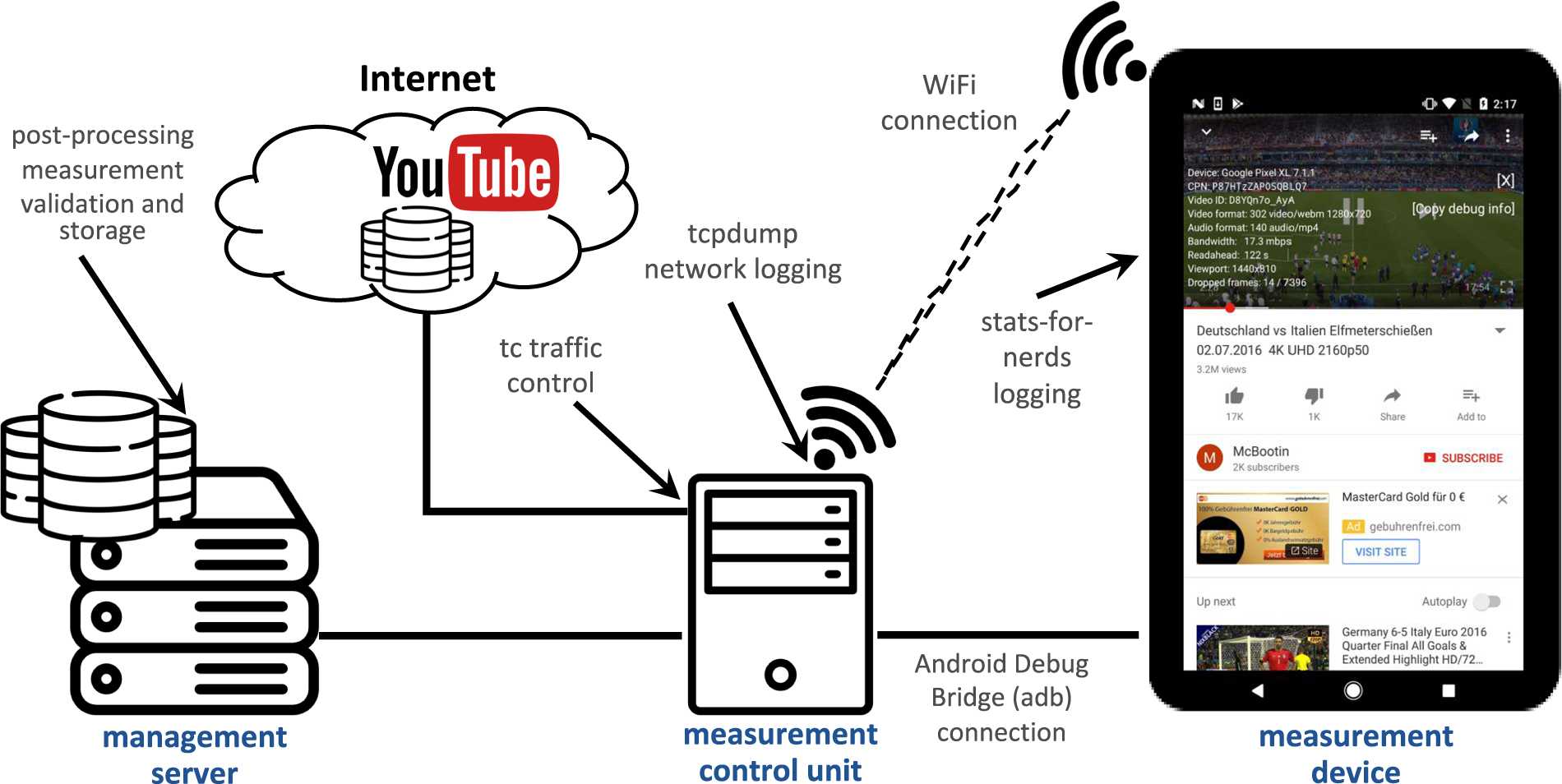
Before understanding the youtube to wav workflow, it is helpful to examine how YouTube stores audio internally. When a creator uploads a video, the platform processes the media file and converts it into several streaming formats optimized for different devices and bandwidth conditions. During this process, the original audio track is compressed using codecs such as AAC or Opus.
These codecs significantly reduce file size while attempting to preserve perceived audio quality. Compression algorithms remove parts of the signal considered less noticeable to human listeners, which allows the platform to deliver high volumes of video content efficiently across global networks.
When a viewer streams a video, the audio they hear is already encoded within one of these compressed formats. This means that any later conversion to WAV simply wraps the compressed signal in an uncompressed container rather than restoring the original audio fidelity.
Digital audio engineer Marcus Fielding once explained that compression decisions occur early in the distribution chain. Once information is removed during encoding, it cannot be recreated during later conversion steps. Understanding this limitation helps creators set realistic expectations when extracting audio from online video sources.
The youtube to wav Conversion Workflow
The youtube to wav process generally involves several sequential steps that together transform a streamed video into a standalone audio file. Although different tools automate these steps in different ways, the underlying workflow remains consistent across most systems.
First, the video stream must be downloaded or captured. Some tools retrieve the entire video file from the platform, while others isolate the audio stream directly from the available media streams. After the media file is obtained, the audio track is separated from the video container. This stage isolates the encoded audio data that was originally embedded in the video file.
The final stage involves decoding the compressed audio and exporting it into WAV format. During this step, the conversion software reconstructs the waveform samples and writes them into a file structure that preserves the audio signal without additional compression. The resulting file becomes compatible with most professional editing environments.
In newsroom media labs where I have observed automated workflows, these steps often occur inside scripted pipelines using open source tools. The ability to batch process large numbers of videos makes this workflow especially valuable in research or archival contexts.
Tools Used to Convert Video Audio into WAV
A wide variety of software tools support video audio extraction and conversion into WAV format. Some are designed for professional media environments, while others target casual users who need a simple interface.
Command line utilities such as FFmpeg are widely used in technical environments because they allow precise control over conversion parameters. Developers and engineers can automate extraction tasks, adjust sampling rates, and integrate conversion steps into larger production pipelines. In many digital newsrooms, FFmpeg scripts run automatically to process incoming media content.
Desktop editing tools such as Audacity provide a more visual interface. Creators can import a video file, isolate the audio track, and export the result as WAV with minimal configuration. These applications are common among podcasters, educators, and independent media creators.
Some users rely on web based converters that perform the entire process online. While these services are convenient, professionals often prefer local tools because they provide better control over audio settings and avoid potential privacy risks associated with uploading media to third party servers.
Audio Quality Realities When Converting Video Streams
One of the most common misconceptions surrounding youtube to wav conversion is the belief that exporting audio into WAV format will improve its quality. In reality, the conversion process only prevents further degradation rather than enhancing the signal itself.
Because YouTube audio is already compressed during the platform’s encoding process, the maximum achievable fidelity is limited by the bitrate of the original stream. When a converter exports the audio into WAV, it preserves the decoded waveform exactly as it exists after compression.
In editing environments this still provides advantages. WAV files allow precise waveform editing without introducing additional compression artifacts that might occur when repeatedly saving audio in lossy formats such as MP3. This preservation becomes particularly valuable during noise reduction, equalization, or voice isolation processes.
Audio researcher Daniel Howard has noted that many creators misunderstand the difference between container formats and signal quality. A lossless container like WAV protects the audio during editing, but it cannot restore information removed earlier in the encoding chain.
Legal and Ethical Considerations in Audio Extraction
Extracting audio from online video platforms introduces important legal and ethical questions. Most videos published on YouTube are protected by copyright, which means the original creator retains control over how the content may be reproduced or distributed.
In some situations, extracting audio may fall under fair use, particularly when the material is used for commentary, research, or educational purposes. However, redistributing extracted audio in commercial projects without permission can create legal risks.
Media organizations I have worked with often implement strict review processes before incorporating audio sourced from online videos into published content. Legal teams verify licensing conditions and ensure that any reused material complies with copyright regulations.
Respecting intellectual property rights is not only a legal requirement but also a professional standard within responsible media production environments.
How AI Systems Use Extracted Audio
In recent years the youtube to wav workflow has gained importance within artificial intelligence research. Many speech recognition systems require large volumes of spoken audio for training and evaluation. Publicly available videos often provide a diverse collection of accents, speaking styles, and conversational contexts.
Researchers sometimes extract audio from videos and convert it into WAV files to create standardized datasets. Because WAV preserves the waveform structure, it integrates easily with machine learning frameworks designed to process raw audio signals.
From my observation of AI research labs, these datasets are often accompanied by detailed metadata describing speaker characteristics, recording conditions, and language patterns. Careful documentation ensures that models trained on these datasets remain transparent and reproducible.
The growing role of audio in AI development highlights how seemingly simple media workflows can support complex technological research.
Post Production Editing and Audio Enhancement

Once audio is converted into WAV format, editors can perform a wide range of enhancements that improve clarity and usability. Dialogue extracted from online videos often contains background noise, uneven volume levels, or environmental interference that must be addressed before the audio can be reused in a new project.
Noise reduction tools analyze the audio signal and remove consistent background sounds such as air conditioning hum or microphone hiss. Equalization adjustments can enhance vocal frequencies, making speech more intelligible. Volume normalization ensures consistent loudness across different segments of a recording.
In podcast production studios I have visited, engineers frequently isolate small sections of dialogue from video interviews and integrate them into narrative storytelling segments. WAV files allow editors to manipulate the waveform precisely without compromising the signal integrity during multiple editing passes.
Storage Implications of WAV Audio Files
Although WAV files offer editing advantages, they also introduce significant storage demands. Because the format stores raw waveform samples without compression, file sizes are considerably larger than compressed alternatives.
A short five minute audio clip stored in WAV format may occupy more than fifty megabytes of storage. In contrast, the same recording encoded as MP3 could be less than ten megabytes. When organizations archive thousands of audio clips, this difference quickly becomes substantial.
Large media organizations often manage these files using structured digital asset management systems. These systems catalog audio files, attach metadata, and organize storage across scalable infrastructure. By combining high capacity storage with efficient indexing systems, production teams maintain accessibility without sacrificing audio fidelity.
When Converting YouTube Audio to WAV Makes Practical Sense
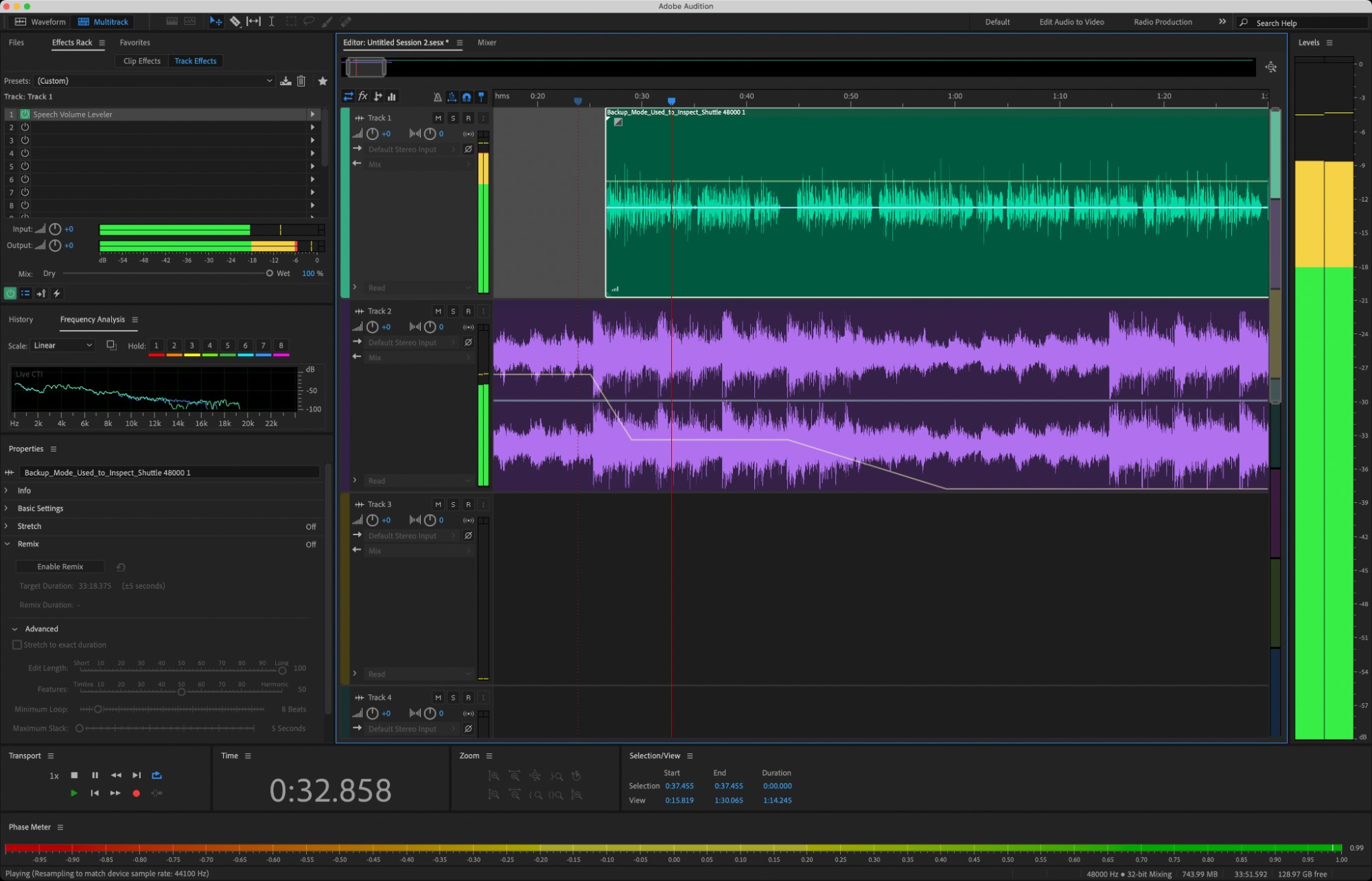
Despite its limitations, the youtube to wav workflow continues to play a meaningful role in several professional contexts. Audio extraction is especially useful when editors need a stable, lossless format for processing spoken dialogue or analyzing sound patterns.
Researchers studying communication trends may extract audio from interviews or debates to analyze speech cadence and linguistic structures. Documentary producers often archive audio from historical video recordings that later appear as narration or contextual sound in new projects. AI researchers use extracted audio as training data for speech recognition models and language processing systems.
The key insight from my experience studying digital production environments is that WAV conversion supports downstream workflows rather than improving the source itself. By preserving the waveform structure during editing and analysis, the format enables creators and researchers to work with audio more effectively.
Key Takeaways
The process of converting YouTube video audio into WAV format allows editors and researchers to preserve the available audio signal for analysis and production. Because YouTube streams compressed audio, exporting the track as WAV does not enhance the original sound quality. Instead, the conversion prevents additional compression during editing workflows. Media professionals frequently use this process when preparing audio for podcasts, documentaries, research projects, and machine learning datasets. Command line tools and audio editing software provide flexible methods for performing the extraction and conversion. Understanding both the technical limitations and the practical benefits helps creators use the workflow responsibly and efficiently.
Conclusion
Across media production, research environments, and artificial intelligence development, audio extracted from online video continues to serve as a valuable resource. The widespread availability of recorded conversations, lectures, and interviews on platforms like YouTube creates opportunities for analysis and creative reuse. Converting these recordings into a stable editing format allows professionals to integrate them into broader workflows.
The youtube to wav process is best understood as a practical conversion step that supports editing precision and analytical flexibility. While the process cannot restore fidelity lost during streaming compression, it ensures that the remaining signal remains intact during editing and processing.
As digital media ecosystems continue expanding, workflows that separate video and audio components will remain important. Understanding how extraction works, what its limitations are, and where it adds genuine value enables creators, researchers, and technologists to make informed decisions about how they handle audio within modern digital production systems.
Read: How to Use Skype: A Complete Guide for Modern Communication
FAQs
What does youtube to wav conversion mean?
It refers to extracting the audio track from a YouTube video and exporting it as a WAV file for editing, analysis, or archival use.
Does converting YouTube audio to WAV improve quality?
No. WAV preserves the existing signal but cannot recover information lost during the original compression.
What tools are commonly used for this conversion?
Tools such as FFmpeg, Audacity, and other media converters can extract audio and export it in WAV format.
Why is WAV preferred in editing environments?
Because it stores raw waveform data, WAV allows precise editing without introducing additional compression artifacts.
Can AI systems use extracted video audio?
Yes. Many machine learning datasets include WAV audio extracted from videos for speech recognition and language analysis research.
References
Google Developers. (2023). YouTube video and audio encoding specifications. https://developers.google.com/youtube
Howard, D., & Angus, J. (2017). Acoustics and psychoacoustics. Routledge.
International Organization for Standardization. (2020). Audio coding standards overview. https://www.iso.org
Kulkarni, P. (2024). Media automation pipelines in digital newsrooms. Media Technology Review.
Ortiz, L. (2022). Digital audio compression and streaming systems. Journal of the Audio Engineering Society, 70(5).