
I want to approach Unlucid AI as someone who has spent time exploring creative tools that promise freedom rather than limits. When I first examined this platform, what stood out was not just the technology itself, but the philosophy behind it. Unlucid AI positions itself as an uncensored, browser-based creative environment where users can generate images, animate visuals into video, and experiment without heavy restrictions. This article is written entirely in my own words, based on direct reasoning and understanding of how such systems function, and it aims to give a complete, structured, and human explanation of Unlucid AI as a creative platform.
Understanding Unlucid AI as a Creative Platform
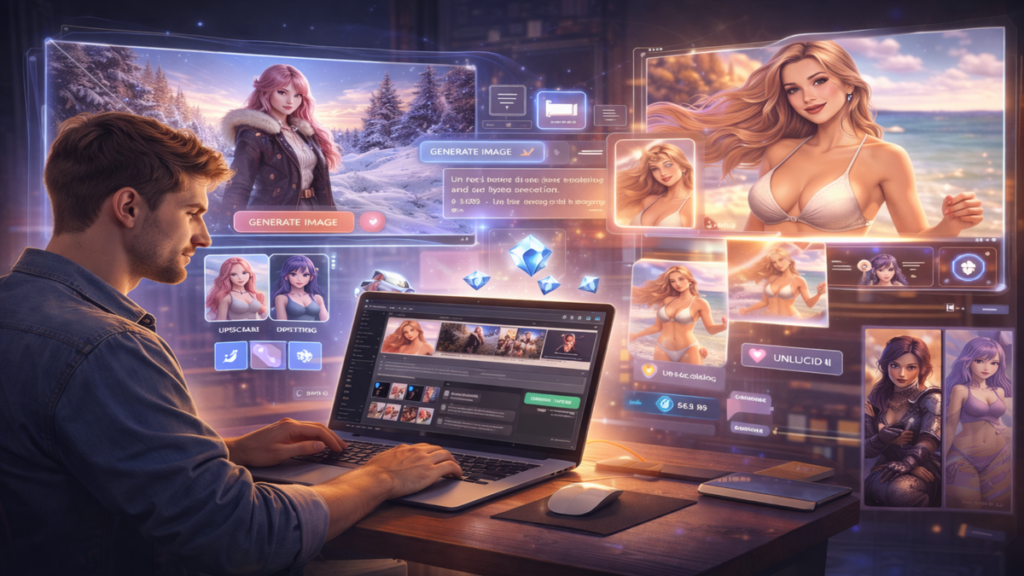
Unlucid AI is best understood as a visual generation and animation system designed for people who want speed, flexibility, and minimal friction. Instead of forcing users into rigid templates or locked workflows, the platform opens up a broad creative surface. From still images to short animated clips, everything happens inside a web browser, which immediately removes barriers related to software installation, hardware compatibility, or complex setup processes.
At its core, Unlucid AI focuses on visual output. The platform does not try to be everything at once. It does not compete with productivity tools, writing assistants, or coding environments. Instead, it concentrates on helping users turn text descriptions and images into finished visual assets. This clarity of purpose is one reason many creators find it appealing.
How Unlucid AI Fits Into the AI Generation Landscape
When I look at the broader AI ecosystem, most platforms fall into two categories. Some are heavily filtered and designed for mainstream safety. Others push toward creative freedom but often require advanced technical skills. Unlucid AI sits between these extremes. It offers a free entry point, minimal onboarding friction, and an interface that feels approachable even for beginners.
What makes it distinctive is the absence of heavy content restrictions compared to many mainstream tools. This does not mean the platform lacks structure. Instead, it gives users responsibility over what they create. For storytellers, marketers, and experimental artists, that balance can feel empowering rather than limiting.
Core Image Generation Capabilities
Text to Image Creation
The foundation of Unlucid AI is its text to image generator. Users start with a written prompt, which can be as simple or as detailed as they like. A short description may yield a general image, while a longer, descriptive prompt can guide the system toward more specific results.
The system supports multiple visual styles. Realistic outputs aim to resemble photography. Anime styles lean toward illustrated characters with exaggerated features. Three-dimensional styles introduce depth and lighting that resemble rendered scenes. This range allows a single user to experiment across genres without switching platforms.
Another important feature is face reference consistency. When users upload a reference image, the system attempts to preserve facial structure across generations. This is especially useful for creators who want continuity in characters for stories, branding, or serialized content.
Upscaling and Image Refinement
After an image is generated, Unlucid AI allows refinement without leaving the browser. Upscaling increases resolution, making images more suitable for presentations, marketing visuals, or video frames. Editing tools enable clothing changes, visual enhancements, and small corrections without the need for external software.
This integrated workflow matters because it reduces creative interruption. Instead of exporting, editing elsewhere, and re-importing, users can stay focused on iteration and experimentation.
Image to Video Generation Explained
Turning Still Images Into Motion
One of the most compelling aspects of Unlucid AI is its image to video functionality. Users upload a high-resolution image, usually with a clear subject centered in the frame. The system then applies animation effects that simulate motion, expression, or transformation.
The platform offers more than fifteen animation effects. These include motions such as flying, dancing, squishing, or stylized movement patterns inspired by trending visual formats. Each effect can be adjusted for intensity and speed, which gives users control over how subtle or dramatic the animation feels.
Custom Prompts for Video Behavior
Beyond preset effects, Unlucid AI allows custom prompts to influence how the animation behaves. A user might describe emotional tone, motion direction, or environmental changes. This text guidance adds a narrative layer to video generation, making clips feel intentional rather than random.
The generation process typically takes between thirty seconds and two minutes, depending on complexity and server load. Once complete, videos can be exported as MP4 files, ready for sharing or further editing.
Layering Effects for Complex Results
An interesting technique supported by Unlucid AI is effect layering. Users can generate a video, take a screenshot of a frame, re-upload it, and apply a new effect. Repeating this process allows for increasingly complex animations. While this requires patience, it opens creative possibilities that feel closer to experimental animation than simple filters.
Web-Based Editing and Accessibility
No Downloads or Installations
One of the strongest practical advantages of Unlucid AI is its fully browser-based design. Everything runs online. This means users can work from different devices without worrying about compatibility. It also makes the platform accessible to people who do not have high-end hardware.
This design choice aligns with quick creative workflows. A user can log in, generate visuals, export results, and leave within minutes. For marketers or social media managers, that speed can be critical.
Clothing Changes and Visual Adjustments
The editing tools inside Unlucid AI focus on visual transformation rather than pixel-level control. Users can experiment with clothing changes, enhancements, or stylistic tweaks through guided options. While this does not replace professional image editing software, it covers a wide range of everyday creative needs.
Pricing Structure and the Gems System
Free Daily Access Through Gems
Unlucid AI uses a Gems-based system to manage usage. Free users receive a small number of Gems each day, typically around ten. These Gems allow access to basic image and video generation features. This approach gives new users a chance to explore the platform without financial commitment.
From my perspective, this system encourages experimentation while preventing abuse. It also sets clear expectations. Free users know their daily limits, and premium users understand what they gain by upgrading.
Premium Subscriptions and Expanded Access
Paid plans unlock higher usage limits, faster generation times, and more consistent access during peak periods. For creators who rely on Unlucid AI regularly, premium access can turn the platform into a dependable production tool rather than an occasional experiment.
The key point is that even the free tier remains functional. Users are not locked out after a single generation, which keeps the platform welcoming rather than frustrating.
Practical Use Cases for Unlucid AI
Marketing and Visual Campaigns
For marketers, Unlucid AI offers rapid visual production. Campaign concepts can be visualized quickly without waiting for external designers. Animated clips can be used for ads, social posts, or landing pages. The lack of strict content filtering also allows for bold or unconventional visuals.
Storytelling and Character Design
Writers and storytellers can use Unlucid AI to bring characters to life visually. Consistent faces, evolving outfits, and animated expressions help bridge the gap between imagination and presentation. This can be especially useful for visual novels, comics, or experimental narratives.
Fantasy and Experimental Art
Unlucid AI appeals strongly to users who want to explore fantasy, surrealism, or abstract ideas. Because the platform does not heavily restrict prompts, creators can push visual boundaries and experiment with concepts that might be blocked elsewhere.
Strengths and Limitations
What Unlucid AI Does Well
The platform excels in accessibility, creative freedom, and speed. Its browser-based design removes friction. The Gems system lowers the barrier to entry. Image and video tools are integrated in a way that feels cohesive rather than fragmented.
Areas Where Users Should Be Patient
Some users report occasional lag or longer generation times during busy periods. This is a common challenge for cloud-based AI systems. Results can also vary depending on prompt clarity and image quality. Understanding how to guide the system improves outcomes significantly.
Best Practices for High Quality Results
Prompt Writing for Better Images
Clear, descriptive prompts produce more reliable images. Including details about lighting, mood, perspective, and style helps the system interpret intent. Avoiding vague language reduces unpredictable results.
Preparing Images for Animation
For video generation, centered subjects and high resolution images perform best. Clean backgrounds and clear facial features help animation effects look smoother and more natural.
Managing Gems Efficiently
Free users should plan sessions carefully. Testing prompts with images rather than video can conserve Gems. Premium users benefit from batching ideas into focused creation sessions.
Feature Overview Table
| Feature Area | Description | Best For |
|---|---|---|
| Text to Image | Prompt-based image creation in multiple styles | Concept art, characters |
| Image Upscaling | Resolution enhancement inside browser | Marketing visuals |
| Image to Video | Animated clips with 15+ effects | Social media, storytelling |
| Web Editing | Clothing changes and visual tweaks | Quick refinements |
| Gems System | Daily free usage with optional premium | Flexible access |
How Unlucid AI Compares in Daily Creative Work
In daily use, Unlucid AI feels like a creative sketchbook rather than a rigid production suite. It encourages iteration. Users can generate, adjust, discard, and try again without feeling penalized. This mindset supports creativity rather than perfectionism.
Compared to more restrictive platforms, Unlucid AI offers a sense of ownership over the creative process. The responsibility rests with the user, which can feel refreshing for those who value autonomy.
The Role of Unrestricted Platforms in AI Creativity
I believe platforms like Unlucid AI represent an important part of the AI creative ecosystem. They provide spaces where experimentation can happen without excessive gatekeeping. This does not mean they replace structured tools. Instead, they complement them by offering freedom and speed.
As AI-generated visuals become more common, the ability to experiment quickly and without heavy constraints may become a defining advantage for independent creators.
Future Potential of Unlucid AI
While this article focuses on current functionality, the structure of Unlucid AI suggests room for growth. Expanded animation controls, longer video durations, and deeper editing features could further strengthen the platform. The browser-based model makes updates accessible to all users instantly, which is a strong foundation for ongoing evolution.
Read: https://veomodels.com/ai-models/nsfw-ai/
FAQs
What is Unlucid AI mainly used for
Unlucid AI is primarily used for generating images and short videos from text prompts or reference images with minimal restrictions.
Is Unlucid AI completely free to use
The platform offers daily free Gems for basic usage, while premium plans unlock higher limits and faster access.
Do I need to install software to use Unlucid AI
No installation is required because Unlucid AI works entirely through a web browser.
What types of visuals can I create with Unlucid AI
Users can create realistic images, anime-style art, three-dimensional visuals, and animated video clips using preset effects.
How can I get better results from Unlucid AI
Clear prompts, high-quality reference images, and centered subjects for animation significantly improve output quality.