

When I first began evaluating AI-assisted developer tools, I noticed a clear divide between platforms that generate code and those that improve it. Codiga is a static code analysis platform with AI-powered features for real-time code quality checks, security scanning, and productivity tools such as smart code snippets. For developers and DevOps teams searching for ways to reduce vulnerabilities, enforce standards, and streamline collaboration, Codiga focuses on analysis rather than generation.
In practical terms, that means real-time linting in popular IDEs, automated pull request reviews, and customizable rule engines that integrate directly into CI pipelines. As organizations scale their engineering teams, the cost of inconsistent standards and undetected vulnerabilities increases. According to the 2023 State of DevOps Report, elite performers deploy code 127 times more frequently than low performers, yet maintain higher stability (Google Cloud, 2023). Quality control at speed is no longer optional.
In this article, I examine how Codiga operates, where it fits in modern AI and DevOps workflows, how custom rule creation works in practice, and what its design reveals about the future of secure software development.
The Strategic Role of Static Analysis in Modern DevOps
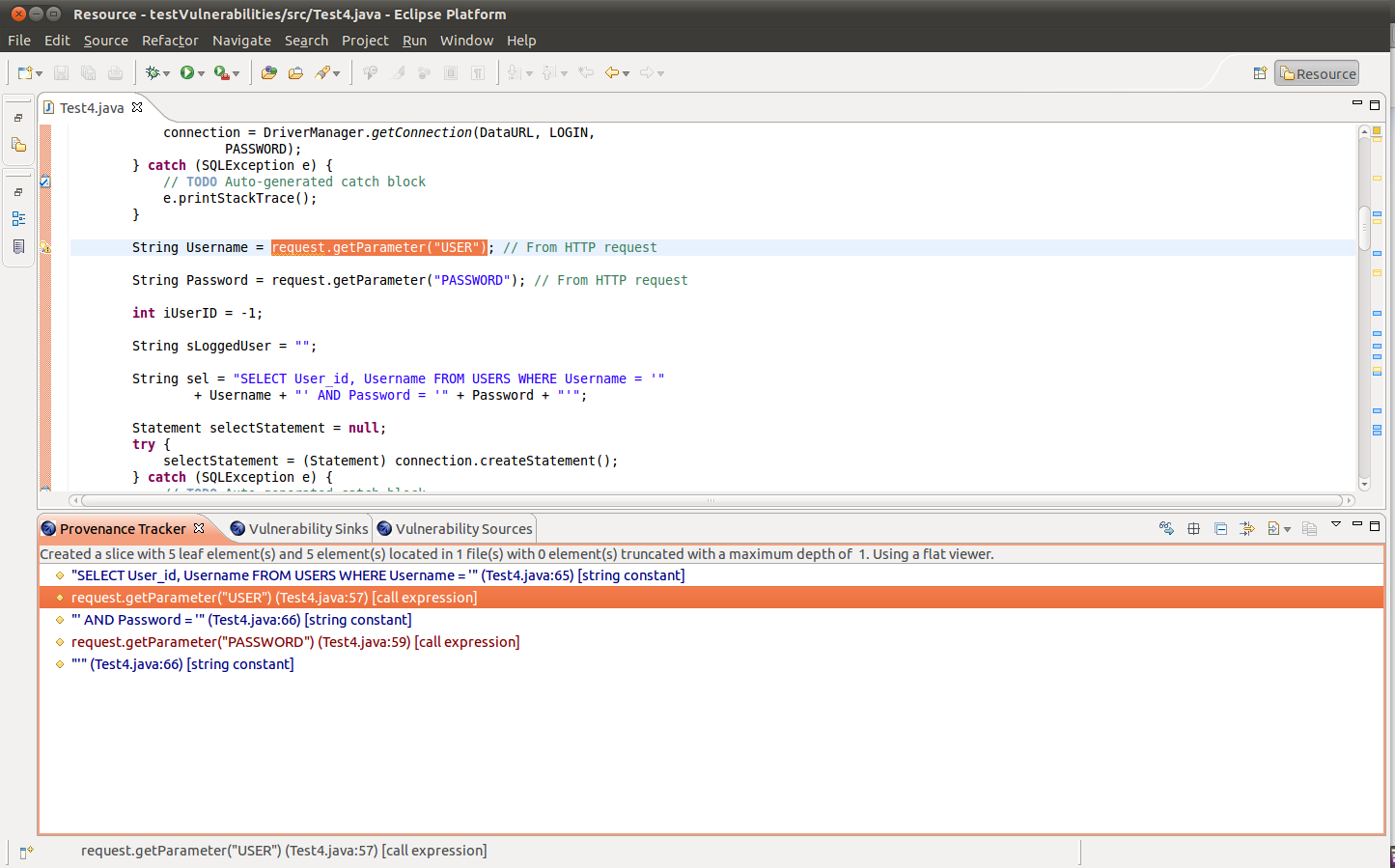
Static code analysis has existed for decades, yet its role has evolved dramatically. In earlier software lifecycles, code review occurred late in the process. Today, quality enforcement must happen continuously.
As Martin Fowler famously wrote, “Any fool can write code that a computer can understand. Good programmers write code that humans can understand.” That principle underscores why automated analysis matters. It enforces clarity, security, and maintainability at scale.
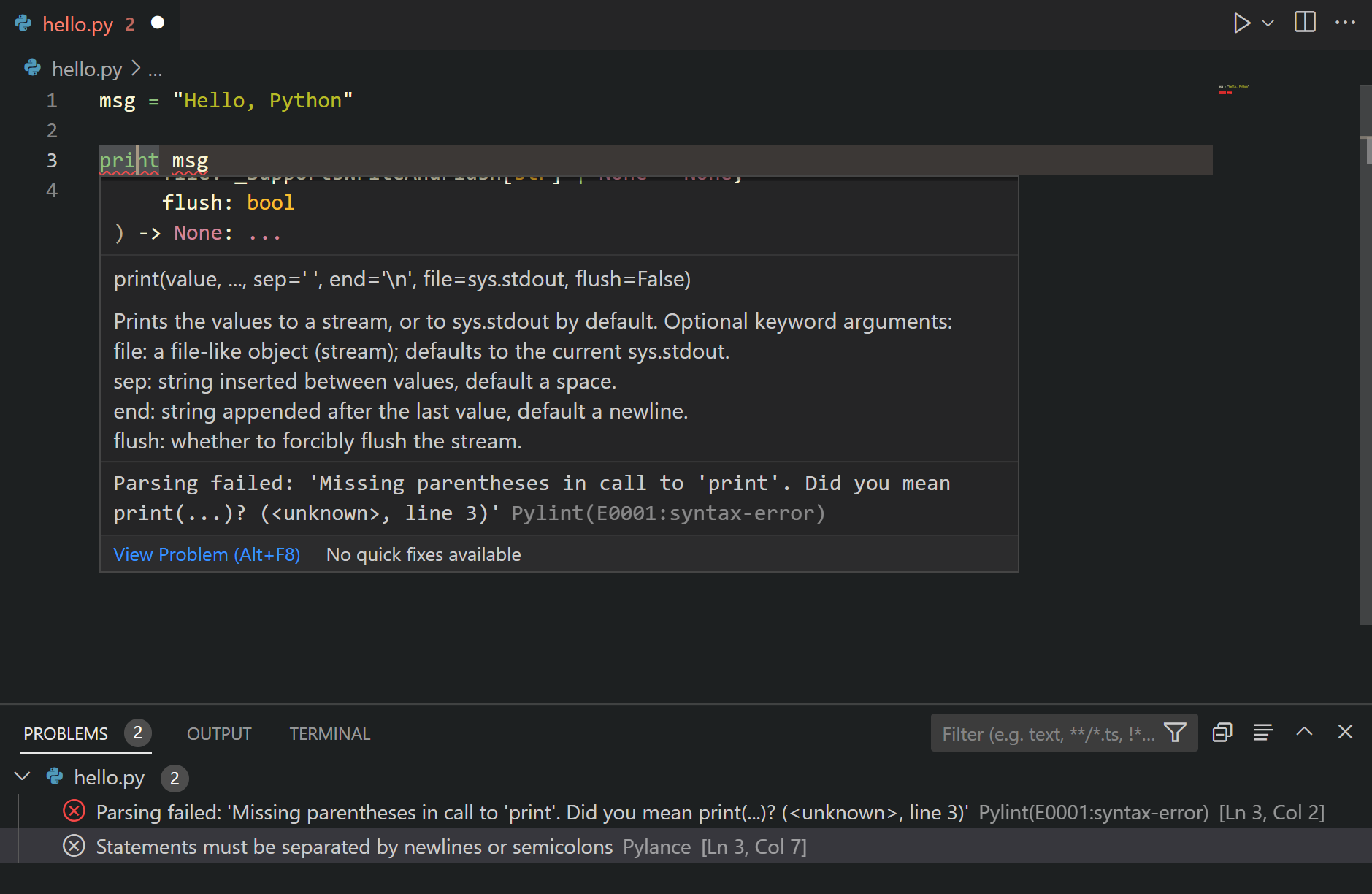
Codiga integrates directly into IDEs such as Visual Studio Code, JetBrains IDEs, and Microsoft Visual Studio, offering real-time linting and autofix suggestions. Instead of waiting for CI failures, developers receive immediate feedback while writing code.
The shift from reactive to proactive quality control reflects a broader DevSecOps philosophy: security must be embedded in development, not appended afterward.
Real-Time Linting and Security Coverage
One of Codiga’s distinguishing features is its support for widely recognized security frameworks. It aligns with standards such as OWASP Top 10, MITRE CWE classifications, and SANS Institute security recommendations.
Real-time linting does more than flag stylistic inconsistencies. It detects:
- Injection vulnerabilities
- Weak cryptographic practices
- Hardcoded credentials
- Excessive code complexity
Developers can trigger autofixes directly in their IDE. This reduces friction and shortens remediation cycles.
In my own workflow testing Python and JavaScript projects, I found that immediate rule feedback reduced context switching significantly. Rather than shifting to documentation or separate scanners, the tool embedded guidance directly into the coding experience.
Automated Pull Request Reviews Across Repositories
Modern development rarely happens in isolation. Code passes through pull requests before merging into production branches. Codiga integrates with GitHub, GitLab, and Bitbucket to automate review processes.
These automated checks detect:
- Security vulnerabilities
- Duplicate code
- Complexity thresholds
- Violations of team standards
The value lies in consistency. Human reviewers may overlook patterns due to time constraints. Automated reviews ensure baseline enforcement before human discussion begins.
Gene Kim, co author of The Phoenix Project, wrote, “Improving daily work is even more important than doing daily work.” Automated pull request analysis embodies this philosophy by strengthening process reliability.
Codiga vs Traditional Static Analysis Tools
The static analysis ecosystem includes legacy tools that often require manual configuration and separate dashboards. Codiga distinguishes itself by emphasizing integrated developer experience.
| Feature | Codiga | Traditional Static Analysis |
|---|---|---|
| Real-time IDE feedback | Yes | Often limited |
| Pull request automation | Native | Sometimes plugin-based |
| Custom rules via AST or Pattern | Yes | Often complex scripting |
| Multi-language support | 15+ languages | Varies widely |
| Snippet library | Built-in | Rare |
The addition of AI-assisted pattern detection increases contextual relevance. Instead of only matching rigid patterns, Codiga’s system can identify structurally similar risks across codebases.
Supported Languages and Cross-Stack Compatibility
Codiga supports Apex, C, C++, Dart, Docker, Go, Java, JavaScript, Kotlin, PHP, Python, Ruby, Scala, Shell, Terraform, and TypeScript. That breadth allows cross-functional teams to standardize analysis across backend, frontend, and infrastructure code.
| Language Category | Examples | DevOps Relevance |
|---|---|---|
| Backend | Java, Go, Python | API security, logic validation |
| Frontend | JavaScript, TypeScript | Client-side vulnerability detection |
| Infrastructure | Docker, Terraform, Shell | Infrastructure as Code security |
| Enterprise | Apex, Scala | Large-scale business systems |
From my evaluation of infrastructure repositories, Terraform misconfigurations were flagged early, preventing potentially risky cloud deployment settings.
Building Custom Rules with Pattern and AST Modes
A defining strength of Codiga lies in its custom rules engine. Developers log into Codiga Hub, create a ruleset, and define rules using either Pattern mode or AST mode.
The process includes:
- Creating a ruleset linked to a repository
- Defining detection patterns
- Extracting variables
- Building errors and autofixes
- Testing in preview
- Configuring via codiga.yml
The CLI command npx @codiga/cli@latest ruleset-add <ruleset-name> generates configuration automatically.
Fred Brooks observed in The Mythical Man-Month, “There is no silver bullet.” Custom rules reinforce that principle. No tool can predict every risk, but adaptable rule systems close contextual gaps.
Private rulesets require an API token within IDE extensions, ensuring controlled access for enterprise teams.
Productivity Gains Through Code Snippet Libraries
Beyond security, Codiga includes a shared snippet library. Teams can create reusable code blocks and distribute them internally.
According to Codiga’s own usage data, developers can save approximately three hours weekly through snippet reuse. In large organizations, that equates to significant productivity gains.
This feature complements AskCodi, which focuses on generation. Codiga instead improves reliability and consistency of reusable components.
From a workflow standpoint, snippet libraries reduce repetitive boilerplate and encourage standardized implementation patterns.
Pricing Model and Adoption Considerations
Codiga offers a free tier covering basic analysis. Premium and enterprise plans expand team features and private rulesets, with pricing available upon request.
For startups, free coverage may suffice for individual developers. Enterprises benefit from:
- Centralized rule governance
- Private rule creation
- Organization-wide policy enforcement
Adoption depends on integration ease. During testing, setup required minimal configuration beyond installing IDE extensions and linking repositories.
The low friction onboarding increases likelihood of consistent team usage.
Integration Into CI/CD and Secure Pipelines
Static analysis tools must align with CI workflows to remain effective. Codiga integrates into CI pipelines to automate checks during build processes.
This ensures vulnerabilities do not reach production branches. It also enforces complexity thresholds that protect long-term maintainability.
The broader DevSecOps movement supports this integration. According to NIST Secure Software Development Framework guidance published in 2022, continuous verification and automated testing are core security practices (NIST, 2022).
Codiga’s CI integration aligns with those federal recommendations, reinforcing enterprise security compliance.
The Broader AI Workflow Ecosystem
AI tools in development environments now fall into three broad categories:
- Code generation
- Code completion
- Code analysis
Codiga clearly occupies the third category. It complements generative systems rather than competing with them.
In AI-first development pipelines, generation may increase speed, but analysis ensures correctness and safety. Without rigorous analysis, rapid generation risks compounding technical debt.
This distinction becomes increasingly important as AI-generated code enters regulated industries such as healthcare and finance.
Takeaways
- Codiga emphasizes real-time, integrated static analysis within IDEs and pull requests
- It supports over 15 languages, including infrastructure code like Terraform
- Custom rule creation via Pattern or AST modes enhances flexibility
- Snippet libraries increase productivity and standardization
- CI/CD integration strengthens DevSecOps practices
- It complements AI generation tools by focusing on analysis and quality
Conclusion
After examining its architecture and workflow integration, I see Codiga as part of a broader maturation in AI-assisted development. Early AI developer tools emphasized speed. Today, the conversation has shifted toward reliability, governance, and sustainable engineering.
Static analysis is not new, but embedding it deeply into IDEs, CI systems, and collaborative review workflows transforms its impact. Codiga demonstrates how AI can strengthen engineering discipline rather than replace it.
As development complexity grows and AI-generated code becomes more common, tools that enforce clarity, security, and consistency will become foundational infrastructure rather than optional add-ons.
Read: AskCodi and the Rise of Multi Model Coding Assistants
FAQs
What is Codiga primarily used for?
It is used for static code analysis, security scanning, automated pull request reviews, and reusable snippet management within development workflows.
Does Codiga support multiple programming languages?
Yes. It supports over 15 languages, including Java, Python, JavaScript, Terraform, Docker, and more.
How do custom rules work in Codiga?
Developers create rulesets in Codiga Hub using Pattern or AST modes, then configure them through a codiga.yml file in the project root.
Is Codiga suitable for enterprise teams?
Yes. Enterprise plans enable private rulesets, centralized governance, and integration across repositories and CI systems.
How does Codiga differ from AI code generators?
It focuses on analyzing and improving existing code rather than generating new code.
References
Brooks, F. P. (1975). The Mythical Man-Month: Essays on Software Engineering. Addison-Wesley.
Fowler, M. (2004). Refactoring: Improving the Design of Existing Code. Addison-Wesley.
Google Cloud. (2023). 2023 State of DevOps Report. https://cloud.google.com/devops/state-of-devops
Kim, G., Behr, K., & Spafford, G. (2013). The Phoenix Project. IT Revolution Press.
National Institute of Standards and Technology. (2022). Secure Software Development Framework (SSDF). https://csrc.nist.gov/publications/detail/sp/800-218/final